


.jpg)
.jpg)


 СН4 мал 200.jpg)



Find utility account portals and Telegram bots for Uzbekistan. Learn how to check your account, submit readings and investigate a payment that has not appeared.
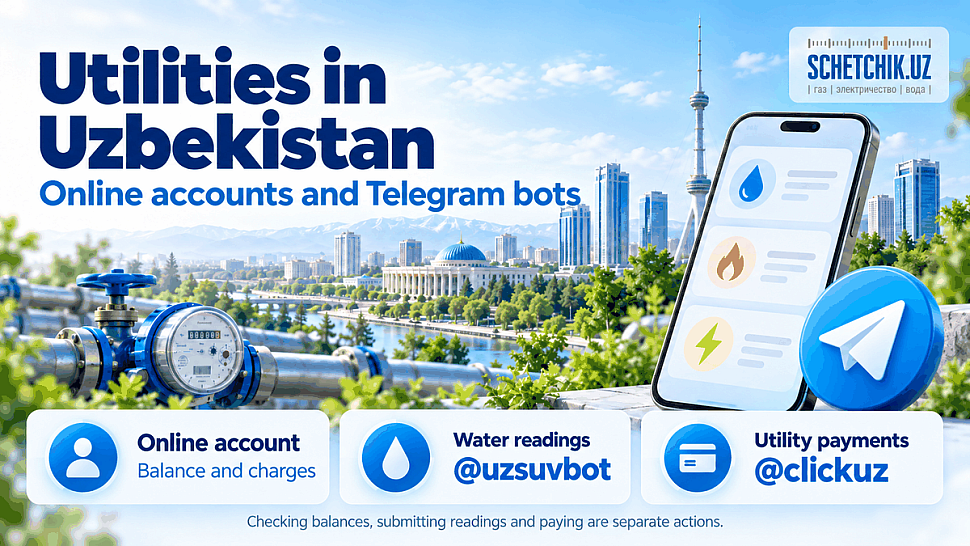
In Uzbekistan, you can check utility accounts, submit meter readings and pay bills through providers’ services and payment platforms. Below are links for electricity, natural gas and cold water, plus hot water and heating in Tashkent.
Important: checking a balance, submitting readings and making a payment are separate actions. Paying a bill does not necessarily submit your meter reading.
Online accounts and bots
| Utility | Service | Purpose |
|---|---|---|
| Electricity | HET online account | Monitor billing and expenses. HET’s website provides links for household and business customers. |
| Natural gas | Hududgazta’minot online account | Gas consumption and billing information. If you cannot sign in, check available service channels on the provider’s website. |
| Cold water | Oʻzsuvtaʼminot online account, @uzsuvbot | Access your customer account and submit water meter readings. |
| Hot water and heating in Tashkent | Veolia online account, @vet_pokazaniya_bot | Account: billing. Bot: hot water readings. |
| Utility payments | Click, @clickuz | Pay providers listed in the service menu. |
For waste collection, building maintenance and other local services, select the organisation named on your bill or contract. Providers and service arrangements may differ by region.
This guide is primarily for households. Businesses should select the appropriate customer section and check payment details against their contracts.
How to check your account and pay correctly
- Find your utility account number. Check your contract or an earlier receipt. The number printed on the meter may be its serial number, which is not a substitute for your utility account number.
- Select the utility, region and provider. If the customer’s name and address appear, make sure they match your property.
- Review the breakdown. Distinguish previous debt, current charges and payments already made.
- Submit a reading if required. Enter the current value in the requested format. Do not enter calculated monthly consumption in a field labelled “meter reading”.
- Check the amount and any fee. Confirm the payment and save the electronic receipt.
- Check the outcome. Make sure the payment succeeded and, if you submitted a reading, that it was separately accepted.
Example: the previous water reading was 125 m³ and the current reading is 132 m³. Consumption is 7 m³, but you enter 132 in the “Current reading” field, following the service’s instructions for decimal digits.
Your money was debited, but the debt remains
First, compare the provider and account number on the payment receipt with your utility bill. Check the amount, date and transaction status. Keep the receipt, transaction reference and a screenshot of the charges for your enquiry.
| Situation | What to do |
|---|---|
| The payment status is unclear | Ask the payment service’s support team to confirm the transaction outcome. |
| Payment succeeded and the account is correct, but the amount is missing | Ask the utility provider to trace the payment using your receipt. |
| You selected the wrong account or provider | Notify the payment service and recipient. Ask how to correct the mistake; do not assume a refund or transfer will happen automatically. |
| The payment is recorded, but the bill appears incorrect | Request a breakdown for the disputed period and a check of the recorded readings. |
Do not pay the same amount again until you establish the status of the first transaction.
Who to contact
- HET, electricity: 1154.
- Veolia, hot water and heating in Tashkent: 1347.
- Municipal utility enquiries in Tashkent: 1055.
In other regions, check your own provider’s contact details. Open Telegram bots through links on official websites. Do not disclose passwords or SMS codes to other people, or post receipts containing personal details in public chats.
If you need a new meter
Browse the Schetchik.uz water meter catalogue. Before buying, confirm the meter’s intended use, connection diameter and model specifications. Check replacement registration and acceptance requirements with your water provider.
❓ Frequently Asked Questions About Utility Accounts and Telegram Bots
Click or tap a question to reveal the answer ↓
What should I prepare before using an online utility service?
Prepare your utility account number, property address and a recent bill or receipt. If you need to submit a reading, also have the current meter value and a dated photograph ready. Select the correct utility, region and provider before entering information.
Where can I find my utility account number?
Check your supply contract or a previous utility receipt. Each provider may use a separate account number. The serial number printed on the meter identifies the device and should not be substituted for your billing account number.
How do I open the correct official Telegram bot?
Follow the bot link published on the provider’s official website. Check the exact username before starting. Enter information only through the verified service flow, and never send passwords or SMS verification codes to someone claiming to be a support agent.
Can I pay utility bills through Telegram?
Yes. The article lists Click’s @clickuz bot as an option for providers available in its service menu. Before confirming, check the provider, account number, customer details, payment amount and any fee. Save the electronic receipt.
Which value belongs in the current meter reading field?
Enter the cumulative reading shown on the meter, following the service’s format. For example, if a water meter increases from 125 to 132 m³, enter 132 in the current-reading field. The difference of 7 m³ is consumption and belongs only in a field specifically requesting consumption.
Where can I submit cold water or Tashkent hot water readings?
The article lists cabinet.uzsuv.uz and @uzsuvbot for cold water, and @vet_pokazaniya_bot for Veolia hot water readings in Tashkent. Use the channel available for your account and check that the address is correct.
How can I confirm that both my payment and reading were accepted?
Check the two results separately. Save the payment receipt and verify that the money reached the correct account. For a submitted reading, save the service response and check the latest accepted value and date. A successful payment alone does not confirm an updated reading.
What should I do if money was debited but the payment is missing?
Check the transaction status, recipient and account number on the receipt. Ask the payment service to confirm the outcome if the status is unclear. If it succeeded and the account is correct, ask the utility provider to trace it using the transaction reference. Establish the first payment’s status before paying the same amount again.
How can I check whether my smart meter is reporting automatically?
Check the date and value of the latest reading received by the provider. Confirm that automatic reporting is active for your particular device. If updates stop, record the current reading and contact the provider with your meter details rather than changing communication settings yourself.
What can I do if an online account or bot is temporarily unavailable?
Check the provider’s official announcements and use another published contact channel. If a payment or reading deadline is approaching, contact support and record the time of your enquiry. Keep an error screenshot and request an enquiry reference number so you can follow up.
#UzbekistanUtilities #Tashkent #UtilityBills #MeterReadings #WaterMeters #SchetchikUz


0 comments